THE FRAMESAID TOOLKIT
Everything for the video.
Room for your personality.
A screen recorder, reaction camera, and focused editor in one iPhone app. Here’s what you can do with it.
01 / CAPTURE
Start with the screen.
Keep the sound.
Capture a gameplay session, a walkthrough, or a moment inside an app using Apple’s screen-broadcast controls. Bring app sound and microphone commentary into the recording.
- Record your iPhone screen
- Capture app audio and microphone commentary
- Import existing videos from Photos or Files
- Keep your clips together in a personal library
Some apps restrict recording of their audio or video. FrameSaid does not bypass those restrictions.
A guide to recording with audio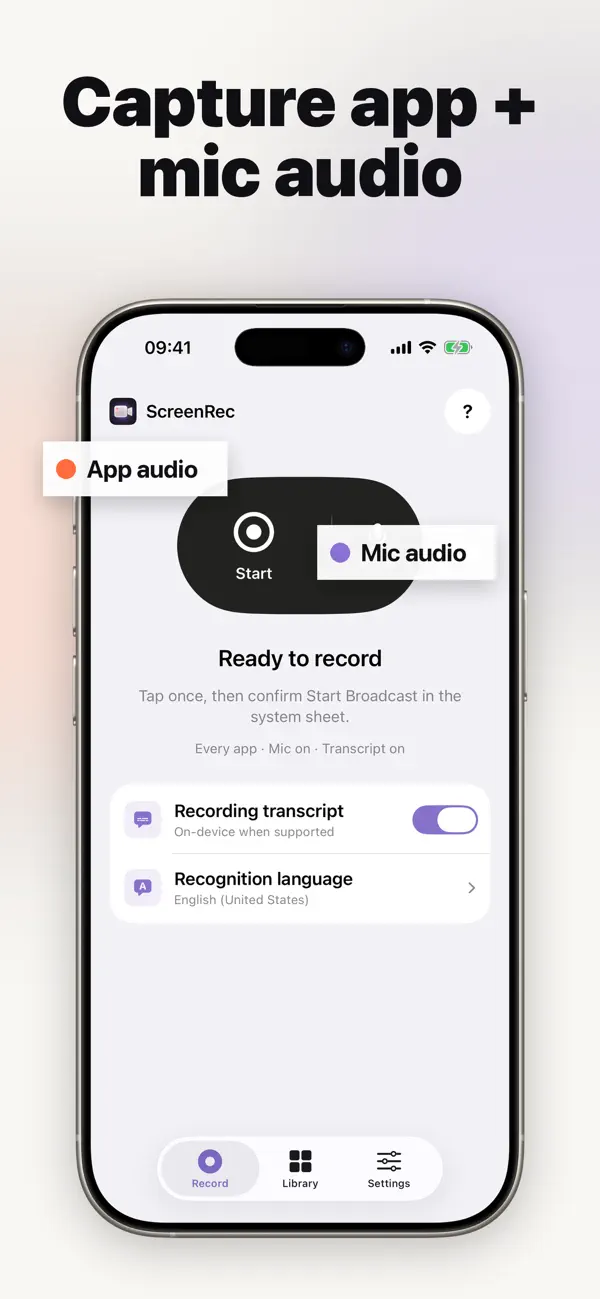
02 / ADD YOURSELF
The clip is good.
Your reaction makes it yours.
Watch your captured video while recording a synchronized front-camera reaction. Then position your face so your expression adds to the story without hiding the important action.
- Record your reaction after the screen capture
- Add a synchronized front-camera video
- Position the facecam over your clip
- Turn an imported video into a reaction, too
Facecam reactions are included in FrameSaid Pro.
How to add a facecam reaction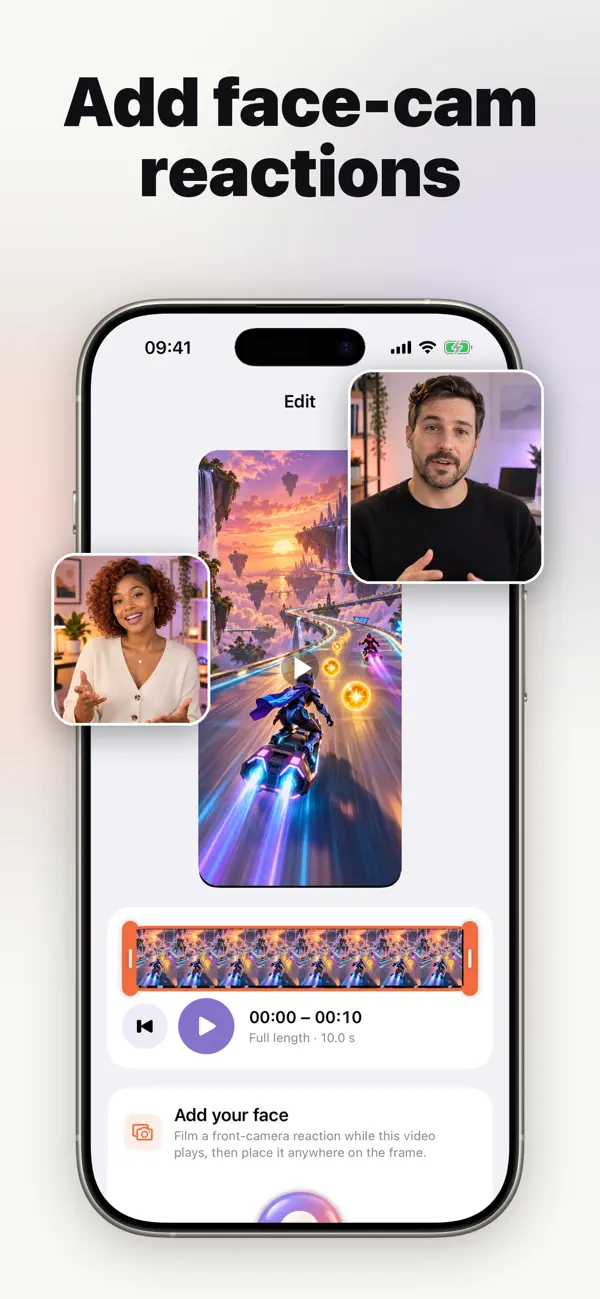
03 / THE FINISHING TOUCHES
A tighter cut.
A clearer story.
Use a visual timeline to trim your clip, generate timed captions you can edit, and balance original and reaction audio. Export your finished video to Photos or share through iOS.
- Trim away the extra seconds
- Generate and edit timed captions
- Mix original and reaction audio
- Export to Photos or use the iOS share sheet
Captions, audio mixing, and the complete editor are Pro features.
Make your captions easier to follow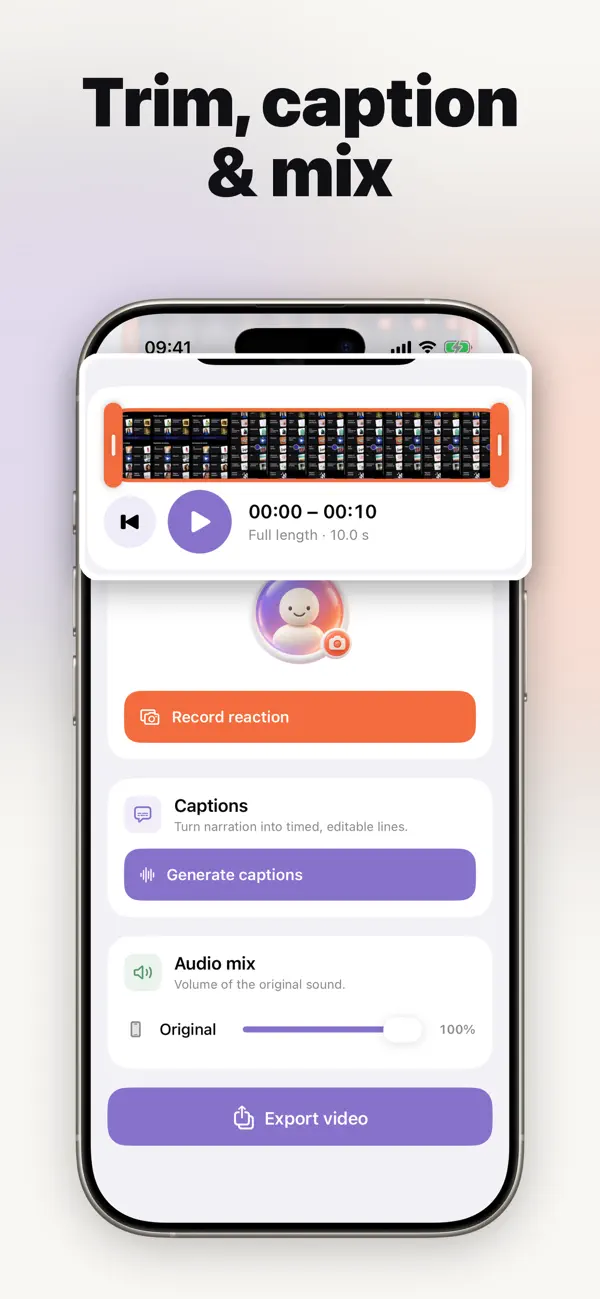
04 / FIND IT AGAIN
You remember the words.
We help find the clip.
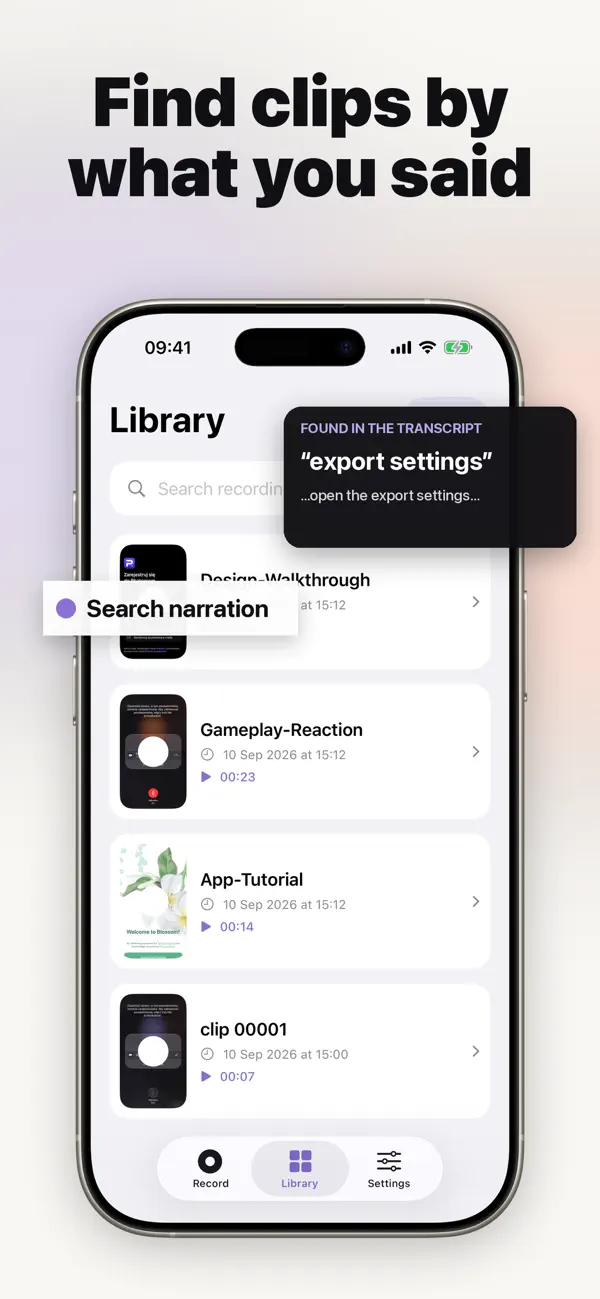
Generate narration transcripts on your iPhone, then search your library using words from the recording. Return to the explanation or walkthrough you need without opening every clip.
- Generate on-device narration transcripts
- Search recordings by spoken words
- Keep recordings on your device
- Return to a matching recording in your library
Transcripts and narration search are included in Pro. Transcript accuracy depends on the recording.
START SMALL. MAKE IT YOURS.
A first take is free.
Try the recording basics, then unlock the full creative toolkit when you’re ready.
Free to start
For your first “watch this.”
- Record up to 3 minutes per clip
- 720p screen recording
- Small FrameSaid watermark
- Access and share recordings you already made

More room to create
For the whole story.
- Unlimited recording length
- 1080p high-bitrate recording
- No FrameSaid watermark
- Facecam reactions and the complete editor
- Transcripts, captions and audio mixing
Pro requires an in-app purchase. Current prices, subscription terms and trial eligibility are shown before purchase. Recording length also depends on available device storage.
YOUR NEXT GREAT VIDEO STARTS HERE.
That deserves
a reaction.
A screen recording is just the beginning. See what happens when you add yourself.
Free to start · In-app purchases